


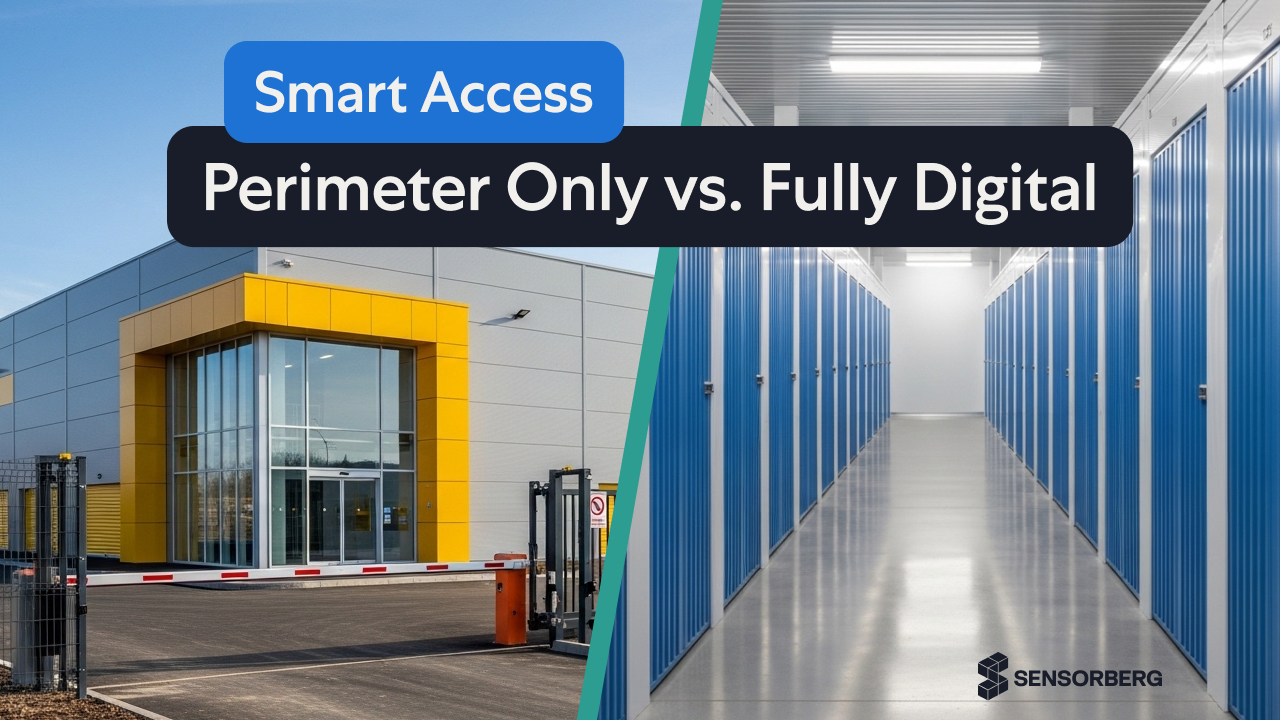
Self-storage isn’t what it used to be. Gone are the days of endless rows of metal units with hanging padlocks and paper contracts. Today, smart self-storage solutions are reshaping the industry, offering digital locks, unit-level access, and enhanced self-storage security that improve both operations and tenant satisfaction.
Facility operators face an important strategic choice early on: implement perimeter access first, or fully equip every unit with digital locks. This decision impacts security, operational efficiency, tenant experience, and potential revenue.
Let’s break down what each option really means 👇
Perimeter Access: A Practical First Step
A perimeter-only approach secures the facility as a whole, rather than individual storage units. Tenants gain entry through controlled access points using keycards, PIN codes, or mobile apps, supported by technologies such as CCTV, alarm systems, and remote monitoring. Inside the facility, individual units continue to rely on traditional padlocks.
Advantages:
- Provides a cost-effective first step toward fully smart access control for self storage facilities, by enabling system-wide control without retrofitting every unit.
- Installation is faster and less disruptive.
- Controlling access at the perimeter strengthens overall site security without major operational downtime, allowing operators to significantly improve overall security.
💡 But there is a catch. Monitoring stops at the facility level, leaving little visibility into individual unit activity. This restricts opportunities to track usage, optimise pricing, or offer advanced app-controlled services. Tenants must still manage traditional physical padlocks alongside digital access, creating friction rather than the seamless experience a secure space storage facility promises.
👉 In short, does it make sense? Yes and no. Perimeter access is a practical starting point, but it only scratches the surface of what smart technology can deliver. True flexibility, simplicity, and convenience remain out of reach as long as traditional locks and mobile apps must coexist.
Full Unit Digitalisation: Every Unit Goes Smart
For operators ready to take the next step, full unit digitalisation equips each storage unit with digital locks and connected technology. Tenants use mobile apps to open units, receive activity updates, and track environmental conditions such as temperature or humidity, supporting the expectations of 24 hour self storage.
This approach delivers strong long-term benefits. Tenants enjoy a fully seamless digital experience, while operators gain detailed visibility into individual unit activity. These insights support smarter pricing, efficient resource allocation, and additional revenue opportunities. Full unit digitalisation also makes it possible to introduce premium services and optimise revenue streams, positioning the facility for sustainable growth and long-term success.
💡 Of course, this comes with higher upfront costs, ongoing maintenance, and staff training requirements. Retrofitting older facilities can add complexity, and financial returns may take time to fully materialise.
👉 Ultimately, does this strategy pay off? For operators focused on growth and efficiency - absolutely! By extending smart technology to every unit, this approach provides the flexibility, transparency, and convenience that perimeter-only systems cannot, creating a foundation for a truly modern storage operation.
Comparing the Two Approaches
Choosing between perimeter access and full unit digitalisation requires careful consideration of your facility, your customers, and your long-term objectives. The key differences come down to investment, the tenant experience, operational visibility, and revenue potential.
Quick comparison
- Perimeter Access is low-cost, easy to install, and improves overall facility security. Insights at the unit level are limited.
-
Full Unit Digitalisation offers a seamless tenant experience, detailed operational data, and revenue opportunities. It requires higher investment and ongoing management but delivers greater long-term value.
Hybrid Approach: Test Before You Commit
For operators who are not yet fully convinced about implementing smart technology across their entire facility, a hybrid approach can be an effective strategy. This involves introducing digital features selectively, either on high-demand or premium units or in a single location, while letting the remaining units or facilities continue to operate traditionally.
This approach allows operators to see the technology in action, measure tenant engagement, and evaluate ROI before making a full-scale investment. By running smart and traditional units side by side, operators can gather real-world data, understand operational requirements, and gradually build confidence in the benefits of digitalisation. Over time, as results become clear, the hybrid system can be expanded toward full unit digitalisation, minimising risk while maximising learning and value.
Conclusion
Choosing between perimeter access and full unit digitalisation is more than a technical decision. It is a strategic one. Perimeter access provides a cost-effective way to enhance security and introduce basic automation, while full unit digitalisation delivers a seamless tenant experience, detailed operational insights, and opportunities to grow revenue.
The right approach depends on your facility size, customer base, and long-term goals. Many operators start with perimeter access and gradually scale smart features to select units. This allows them to balance investment, complexity, and customer expectations while laying the foundation for future growth.
Still not sure which model would work best for you?
Frequently Asked Questions
1. What is the cost of implementing smart storage solutions?
Costs depend on facility size, new build versus retrofit, and number of units. Of course perimeter access is generally more affordable, but full digitalization with smart locks and connected systems requires a higher upfront investment while delivering maximum efficiency, security, and long-term ROI.
2. What is the future of self-storage technology?
Smart access will remain the starting point for the industry, with facilities gradually expanding to fully connected systems. Over time, unit-level smart locks, remote monitoring, and environmental sensors will become more common, helping operators maintain security and track conditions. AI is slowly being introduced to support monitoring, maintenance, and occupancy management, and its use is expected to grow as the technology matures.
3. How can I improve self-storage security?
Security is strengthened by controlling access at both the facility and unit level. Modern access systems let operators manage permissions remotely while improving safety, visibility, and efficiency. Key measures include:
- Perimeter access control (gates, PINs, mobile apps)
- Smart locks for individual units
- CCTV and alarms
- Real-time monitoring via connected systems
Together, these measures ensure a safe, fully monitored environment for tenants and their belongings.