Someone shared access with you — here's how to use it

You've been invited to open shared spaces with our app.

Follow the steps below — it only takes a moment.

Get the app

You'll need the One Access app to open doors and manage your access. Download it for free — it only takes a minute to set up.


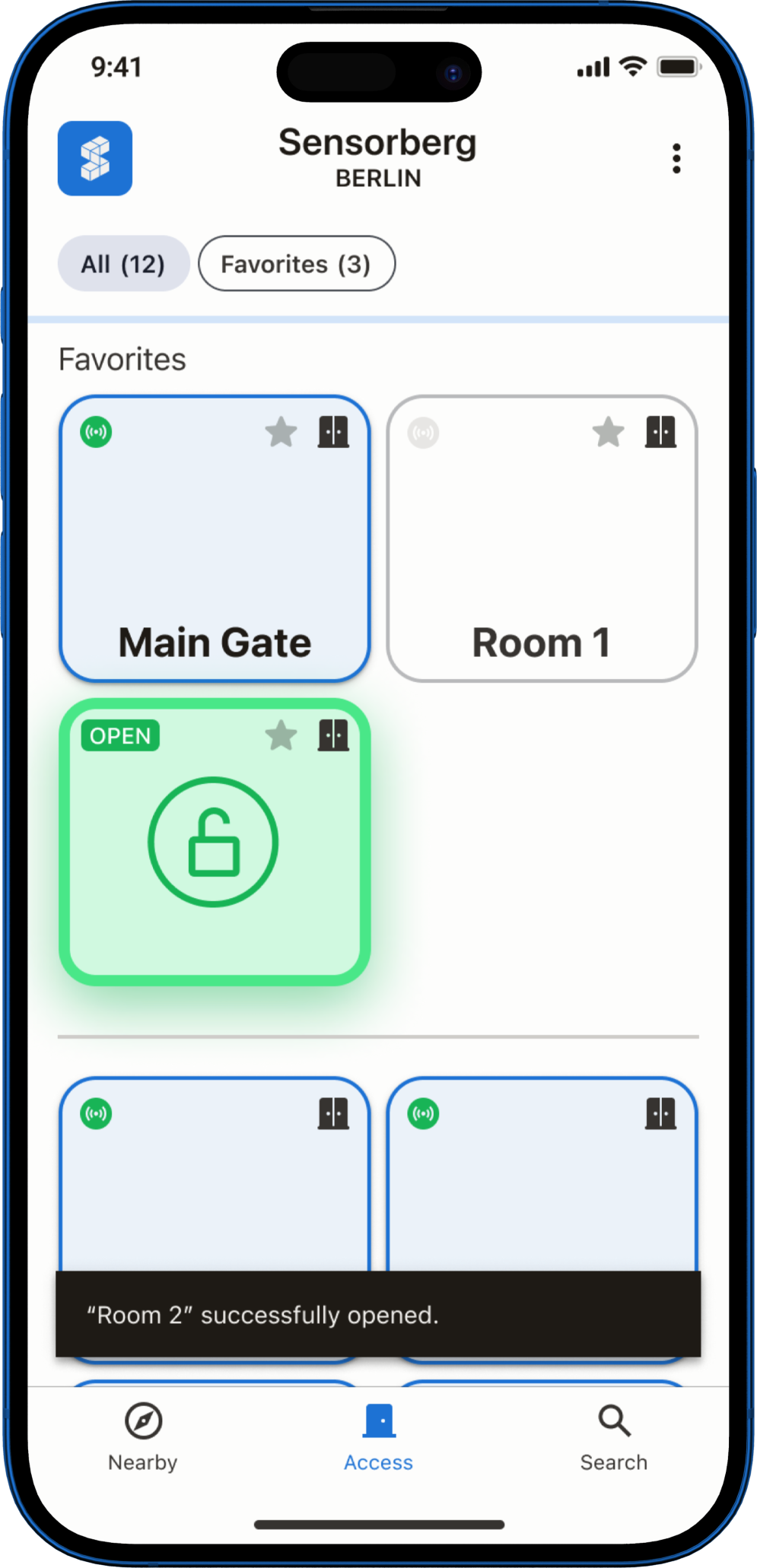
One Access app on a smartphone

Get Started With One Access

Before you start

Make sure Bluetooth is turned on on your phone.

Bluetooth is required so your phone can connect to nearby doors.

1

Create Your Account

  • — Use the same email address the person used when sharing access with you.
  • — Choose how you want to sign up: receive a one-time code by email, or set a password you can remember.
2

Confirm Your Email Address

  • — Check your inbox for a verification email from Sensorberg.
  • — Follow the instructions in the email to confirm your email address.
  • — You will be signed in automatically after that.

If you don't see the email, please check your spam folder.

3

Accept the Shared Access

  • — You'll see the shared access invitation in the app — tap Accept and proceed.
  • — Allow the app permissions when prompted by your device.

Your access is now ready to use.


View your shared access details

You can review what was shared with you at any time:

  • — Open Settings in the app.
  • — Tap Shared access.
  • — View when and how long you can access the space — or cancel the access if needed.

Need Help?

If you expected access but don't see it in the app, contact the person who shared access with you. They can check or resend your access if needed.