

As technology evolves, it’s reshaping the way we manage and secure our physical spaces. Industries like self-storage, coworking, and office environments are increasingly turning to digital solutions to enhance security and streamline access.
In this article, we’ll dive into the evolution of smart access control, its impact on security and operations, and explore how these technologies are reshaping security protocols. Plus, we’ll share practical tips on how you can apply these strategies to your own business. 👇
From Rusty Keys to Cloud Credentials: A Security Revolution
Physical keys and traditional locks are becoming a thing of the past. These systems are vulnerable to security breaches, and the process of managing them can be a hassle. The shift is towards digital access solutions that boost security and improve operations. These days, theft or burglary may not only result in material loss but can also severely damage a company’s reputation—something no business wants to experience.
Why wait for a breach when you can prevent it?
Modern smart access systems use mobile credentials, PIN codes, and two-factor authentication, all controlled through cloud-based platforms. These systems are built to serve a variety of industries, from self-storage to coworking spaces, ensuring access that’s not only secure but also tailored to the specific needs of the facility and its users.
Smart Features Changing the Game
🔑 Keyless Entry for Enhanced Security
The biggest benefit of smart access systems? No more physical keys. Digital credentials replace traditional keys, making access much more secure, traceable, and harder to replicate or steal. For coworking spaces and self-storage facilities, this shift to digital access means unauthorized entry is significantly more difficult.
📲 Real-Time Access Control
One of the standout features of modern smart access solutions is real-time control. Facility managers can instantly grant or revoke access based on user needs. For instance, If a user’s membership expires or an employee leaves, access rights can be revoked remotely. This helps eliminate the risks associated with old keys or forgotten codes.
📈 Audit Trails for Full Transparency
Smart systems also offer detailed audit trails, which record every access event. This real-time tracking enables facility managers to monitor who entered which areas and at what time. In terms of security, this transparency is invaluable—especially when unauthorized access attempts need to be investigated.
🚨 Integration with CCTV and Surveillance Systems
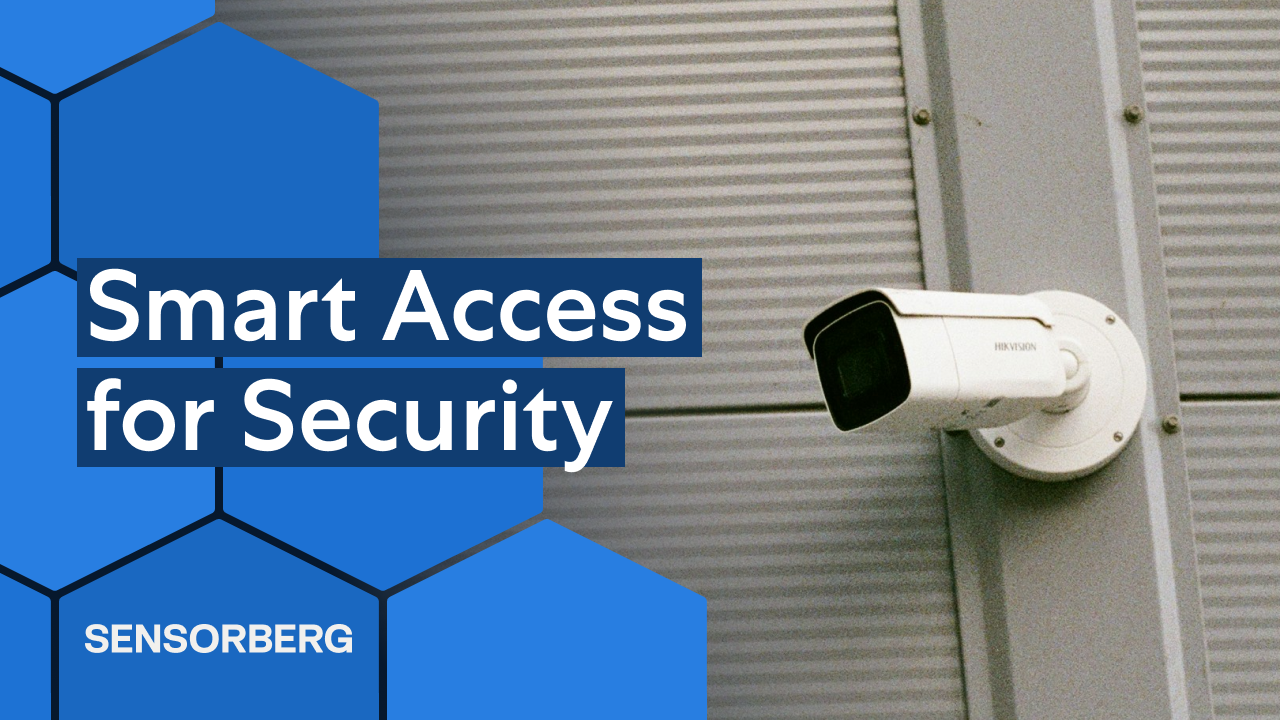
Smart access systems often integrate seamlessly with existing surveillance cameras (CCTV) and security systems, providing a comprehensive view of both physical access and user behaviour. This integration strengthens security measures by enabling rapid responses to security incidents and providing detailed visual records for review.
Smarter Spaces: Convenience Meets Control
While the main focus of smart access systems is security, these solutions also improve user experience. In coworking spaces, for example, users can access rooms or offices using mobile phones or PIN code access lockers, tied directly to their bookings or membership status. This not only enhances security but also reduces administrative overhead and user frustration.
For self-storage facilities, customers can use digital credentials to access their units, bypassing the need for physical keys and ensuring that only authorised users have entry. This automated system allows for 24/7 access while maintaining strict security protocols.
Adaptive Use: Turning Storage into Workspaces
As the demand for flexible office space continues to rise, some operators are turning storage units into offices. These converted spaces are outfitted with smart access control and security systems, making them viable, secure workspaces.
Digital access to these converted units can be managed via mobile apps or PIN code systems, enabling users to access their spaces without physical keys. These flexible solutions offer not only operational efficiency but also enhanced security—ensuring that only authorized users can access sensitive areas at any time.
Hands-Free, Hassle-Free: The New Face of Facility Management
With the rise of self-storage automation, operators can minimize manual processes and focus more on high-level tasks. Smart access systems facilitate:
- Unmanned facilities with 24/7 access.
- Automated billing and membership management.
- Real-time security monitoring via integrated surveillance and sensor systems.
- Remote facility management, allowing operators to oversee security and access without being physically present.
For example, remotely managed self-storage facilities can operate entirely without staff on-site, relying on smart access and monitoring systems to maintain security and smooth operations.
Sensorberg’s Role in Smart Access Innovation
At Sensorberg, we’re proud to be at the forefront of the smart access revolution. Our solutions are designed to provide secure, efficient, and flexible access control for a variety of industries, from self-storage to coworking spaces and office buildings.
📦 Self Storage Facilities
In self-storage, security and operational efficiency are non-negotiable. Sensorberg’s Smart Storage system offers smartphone or kiosk-based access, eliminating the need for physical keys. By integrating real-time monitoring and gate control systems, we enable the operation of unmanned or hybrid facilities, ensuring round-the-clock security. This model reduces reliance on on-site staff while providing a secure, efficient experience for both users and operators.
👥 Coworking Spaces
For coworking spaces, we integrate our smart access systems with popular coworking management platforms like Cobot. This integration simplifies membership management, booking, and access control, creating a seamless experience for both facility managers and members.
🏢 Office Environments
In office environments, security and efficiency are key to smooth operations. Sensorberg’s Smart Office solutions offer various access methods, including smartphone app and NFC cards, all centrally managed through a centralised platform like our One Access Manager. This approach gives facility managers real-time control over access rights, allowing them to respond instantly to changes while maintaining robust security across the premises.
Final Thoughts: Smarter Access, Safer Spaces
Les espaces travail numériques sécurité deviennent la norme. Les systèmes intelligents améliorent la sécurité, l’efficacité, et l’expérience utilisateur. Chez Sensorberg, nous accompagnons les entreprises vers un accès plus intelligent et connecté.
📘 Want even more insights?
Read our latest whitepaper on optimising security and ROI in self-storage!
🧠 Smarten Up: 3 Easy Ways to Boost Security and Efficiency
1. 💡 Select Smart Locks with Offline Functionality and Remote Management
To build a successful remotely managed self-storage facility or an automated coworking space, choose smart locks that work both online and offline. This ensures uninterrupted access even during power or connectivity outages. Look for systems that also support PIN code access, mobile app, and centralised platforms.
2. 💡 Focus on Security-First Hardware and Software
When selecting self storage access control technology, look for systems with encrypted communication, audit trails, and live storage monitoring features. Choose smart locks and sensors certified for durability and tamper-resistance—crucial for unmanned self storage sites with 24/7 access.
3. 💡 Build on Scalable, Open Systems from Day One
When planning your self-storage business or remote facility, choose systems that integrate seamlessly with third-party tools. Open platforms with API support give you the flexibility to connect everything from security cameras and CCTV systems to billing software. This kind of sensor integration ensures you can expand your services—like adding smart lockers or automation features—without overhauling your entire setup. A future-proof system starts with scalable, flexible infrastructure from the beginning.
See how these strategies have worked in real-world applications through our case study.